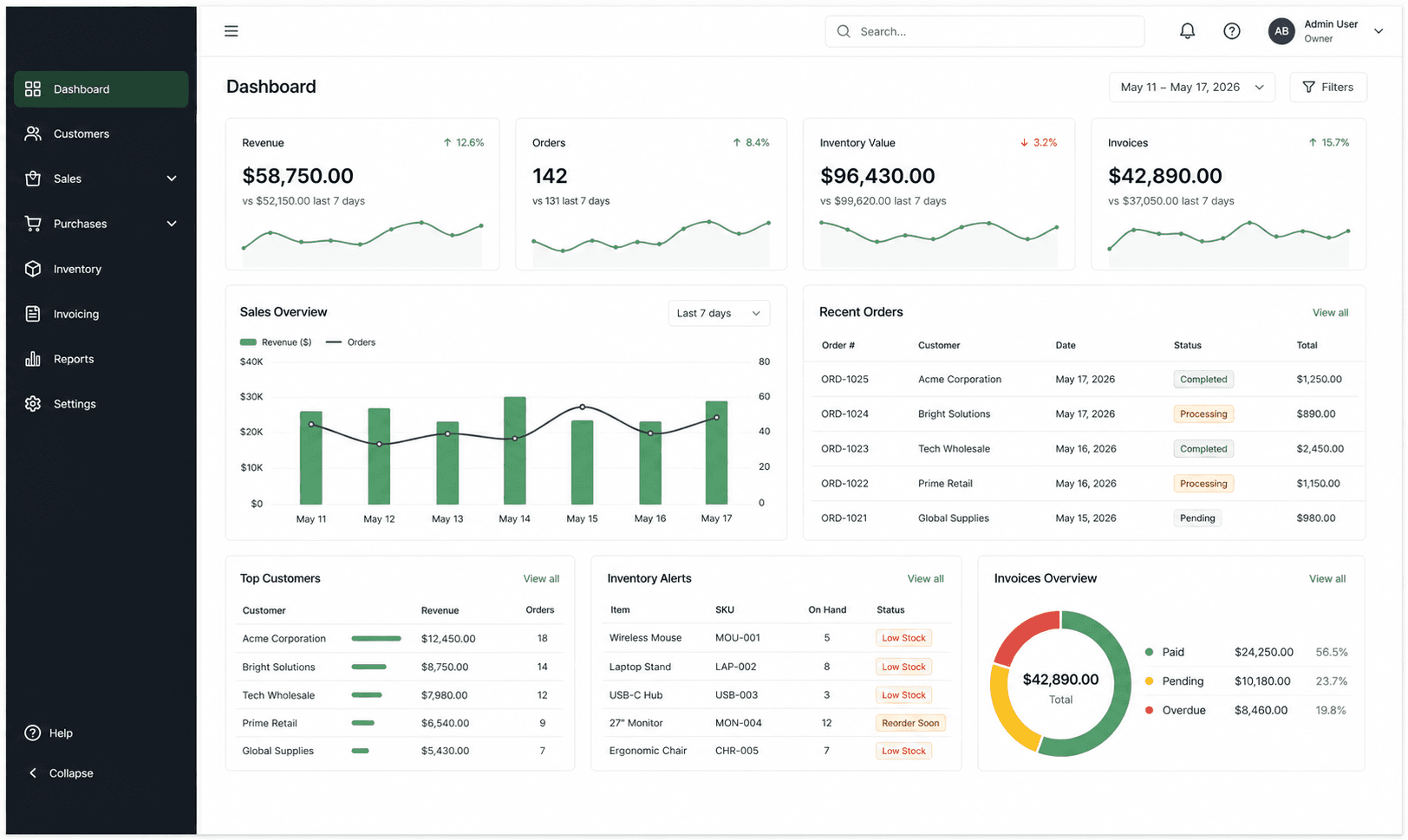

Custom workspace ERP
Run your repair workflow from intake to invoice.
Storevo keeps customer records, repair tickets, inventory, invoices, and transaction history together in one focused workspace.
Customer records
Keep customer contact details and service history ready for every repair intake.
Repair workflow
Create repair tickets, capture device details, and move work through a focused service queue.
Inventory control
Track parts and products with practical stock quantities, SKUs, and low-stock visibility.
Invoices and history
Create invoices, record payment status, and retrieve completed transaction documents.
How it works
One clear path from intake to completed repair.
01
Find or create the customer
02
Open a repair ticket
03
Assign parts and complete the work
04
Issue the invoice and retain the history
Blank workspace
Start empty where the business should decide.
The first login should feel like opening a clean system, not deleting someone else's assumptions. Storevo keeps industry data optional and puts setup inside Workspace Settings.
Product preview
Your daily operations in one workspace.
Manage customers, repairs, inventory, invoices, and transaction history from a single workspace.